Pixelore BETA
Desktop photo editor for RAW and JPEG photos. One-click auto-enhancement, batch processing, and professional manual controls. Currently in public Beta — free to evaluate.
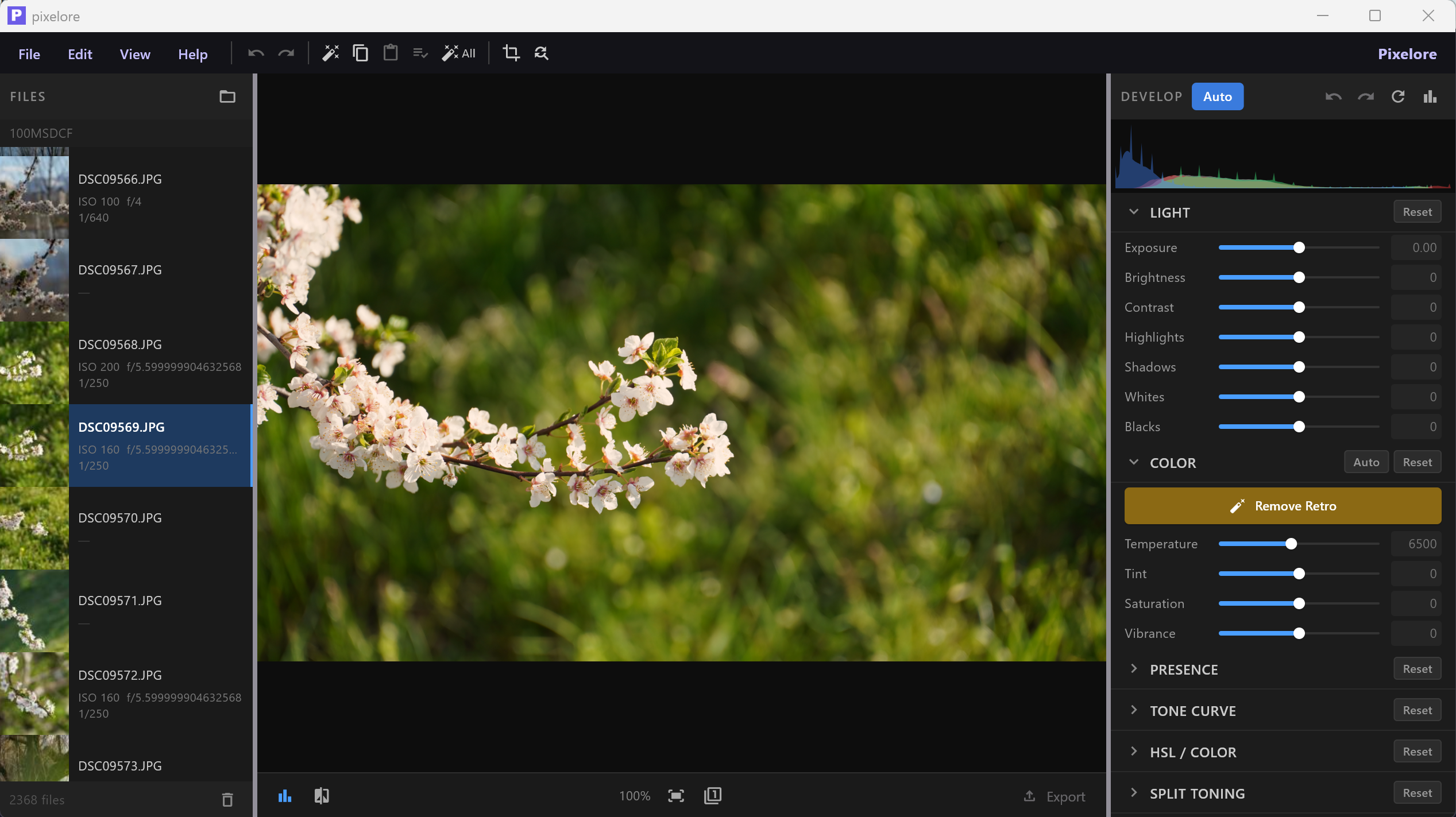
Desktop photo editor for RAW and JPEG photos. One-click auto-enhancement, batch processing, and professional manual controls. Currently in public Beta — free to evaluate.
Native Sony ARW decoding plus JPEG, PNG, TIFF, BMP, and WebP. 16-bit processing for maximum quality.
Intelligent histogram analysis optimizes exposure, contrast, shadows, and color. ML learning improves results over time.
Exposure, contrast, highlights, shadows, temperature, tint, HSL, sharpening, noise reduction, clarity, dehaze, and more.
Copy settings from one photo and paste to hundreds. Auto-enhance entire folders with one click.
Finds visually similar photos using perceptual hashing. Group, compare, keep the best, delete the rest.
Automatic subject detection with adjustable background blur. Export subjects with transparent background.
Visual crop overlay with drag handles, rule-of-thirds grid, and presets: 1:1, 4:3, 3:2, 16:9, and more.
Fix yellow/warm casts from retro or tungsten-lit photos. Auto White Balance with one click.
JPEG, TIFF, PNG with ProPhoto RGB, Adobe RGB, or sRGB. Custom output folders and filename templates.